
AI 3D exterior rendering uses machine learning models, neural denoising, and generative design tools to compress traditional rendering pipelines from days into hours while improving photorealism. Architects and developers now pair AI upscaling, real-time ray tracing, and generative material libraries with human-led art direction to produce marketing-ready visuals faster than conventional CPU or GPU rendering alone ever allowed. The result is a hybrid workflow where artificial intelligence handles repetitive technical work and human artists handle judgment, composition, and brand storytelling.
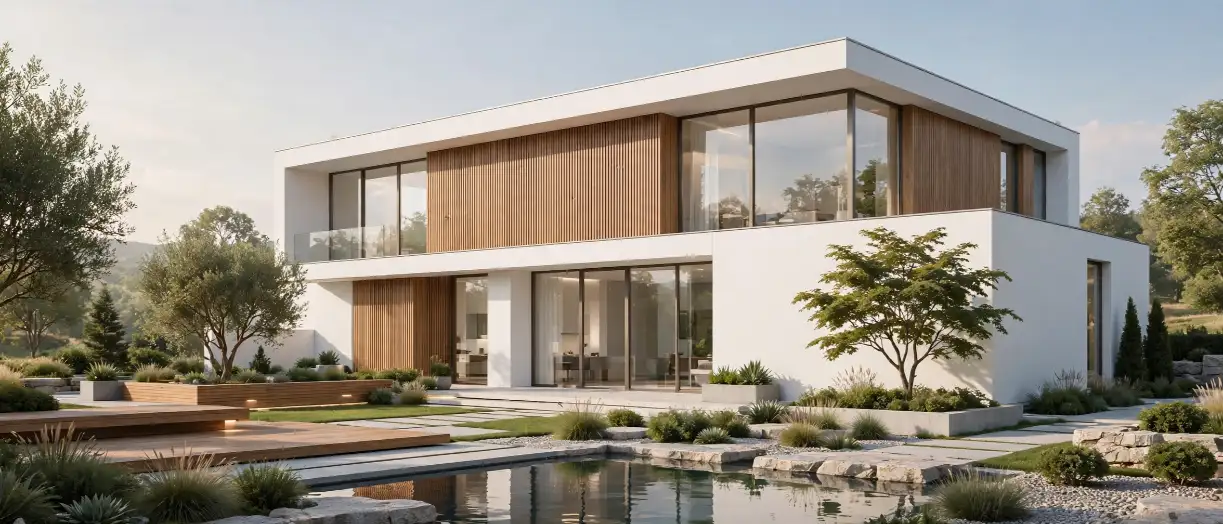
Developers, architects, and marketing teams are asking the same question this year: is AI actually changing how exterior renderings get made, or is it just another buzzword layered on top of the same old workflow? The honest answer sits somewhere in between. AI 3D exterior rendering is not replacing the 3D exterior rendering workflow that skilled visualization artists rely on; instead, it is compressing the slowest parts of that workflow so studios can deliver more revisions, more angles, and more photorealistic detail within the same project timeline. If you are evaluating a premium 3D exterior rendering partner for your next residential, commercial, or mixed-use launch, understanding exactly where AI fits into the process will help you ask sharper questions and set realistic expectations.
This guide breaks down what AI 3D exterior rendering actually means, where it delivers real ROI, where it still falls short, and how to evaluate a rendering partner that uses these tools responsibly rather than as a shortcut around quality.
What is AI 3D Exterior Rendering?
AI 3D exterior rendering refers to the use of machine learning models, neural networks, and generative algorithms at specific stages of the architectural visualization pipeline: modeling assistance, texture and material generation, lighting simulation, noise reduction, upscaling, and post-production refinement.
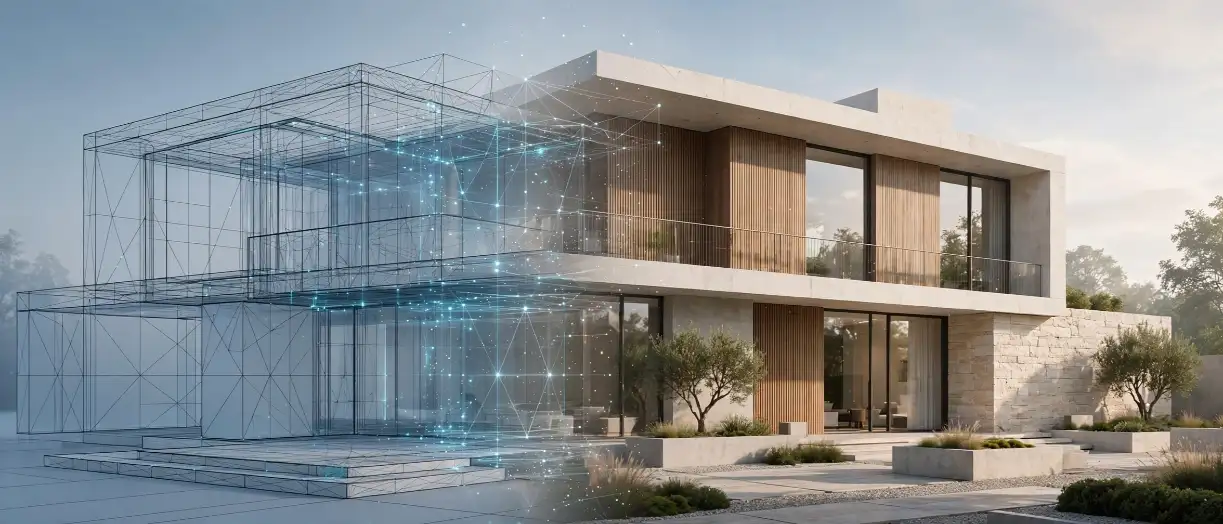
Unlike fully “AI-generated” images created from a single text prompt, professional AI 3D exterior rendering still begins with an accurate, to-scale 3D model built from architectural drawings. AI tools then accelerate and enhance specific steps within that pipeline rather than replacing the model itself. This distinction matters enormously for developers, because a text-to-image render might look convincing at a glance but will not match the actual building dimensions, unit counts, setbacks, or material specifications that a lender, planning board, or buyer needs to trust.
In short: AI 3D exterior rendering = accurate 3D modeling + AI-accelerated lighting, texturing, and denoising + human art direction for composition and brand consistency.
How AI Is Transforming the 3D Exterior Rendering Workflow
The shift toward AI-assisted visualization has touched nearly every stage of production. Here is where the technology is having the most measurable impact today.
1. AI Denoising and Upscaling

Traditional path-traced rendering requires thousands of samples per pixel to eliminate visual noise, which is why final-quality renders historically took hours per frame. AI denoising models now predict the “clean” final image from a fraction of those samples, cutting render times dramatically without sacrificing detail. Upscaling models then take a lower-resolution render and intelligently reconstruct it to 4K or 8K output, which is essential for large-format signage, sales center displays, and print marketing.
2. Generative Material and Texture Libraries

Instead of manually sourcing or photographing every brick, stone, siding, and landscaping texture, AI-trained material libraries can generate seamless, tileable, physically accurate textures on demand. This shortens the time spent building material libraries for large developments with varied facade treatments, particularly useful for purpose-built rental communities with dozens of unit types and elevation variations.
3. Real-Time Ray Tracing

Consequently, hardware-accelerated ray tracing (popularized by NVIDIA’s RTX architecture) combined with AI denoising now lets visualization artists preview near-final lighting and reflections in real time instead of waiting for overnight batch renders. This has changed how design review happens: clients can walk through lighting scenarios, time-of-day changes, and material swaps live on a call rather than waiting for the next render pass.
4. Automated Lighting and Sky Simulation

AI-driven lighting engines can now simulate physically accurate sun position, sky color, and global illumination based on a building’s real geographic coordinates and the exact date and time requested for the shot. This is particularly valuable for developers who need seasonally accurate renderings for pre-sales campaigns tied to a specific launch date.
5. Style Transfer and Mood Variations

Once a base render is finalized, AI style-transfer tools can quickly generate mood variations, such as a dusk version, a rainy-day version, or a seasonal variation, from the same base file. This gives marketing teams more assets from a single modeling and lighting setup, without re-rendering from scratch each time.
6. Generative Design Exploration (Early-Stage)
Additionally, some architecture firms are using generative design tools earlier in the pipeline to explore massing options, facade rhythms, and site orientations before a final design is locked. While this sits upstream of rendering itself, it increasingly feeds directly into the visualization pipeline once a design direction is approved.
7. AI-Assisted Landscaping and Entourage Placement

Populating an exterior scene with trees, shrubs, people, and vehicles used to mean manually placing hundreds of individual assets and checking each one for realistic scale and shadow direction. AI-assisted placement tools can now scatter and orient entourage automatically based on the scene’s lighting and terrain data, then let the artist fine-tune the result rather than build it from zero. This is especially useful on large masterplan projects where a single site plan might need thousands of trees and shrubs placed convincingly across several acres.
8. AI-Powered Camera and Composition Suggestions

Some visualization software now suggests camera angles and framing based on the building’s massing, orientation, and typical marketing use case, drawing on patterns learned from thousands of previously produced architectural images. This does not replace an artist’s eye, but it does give junior team members a faster starting point, which shortens the time between a client’s brief and the first draft composition.
9. Automated Quality Control Passes

Finally, some studios are experimenting with AI-based quality control passes that flag likely problem areas in a render, such as unnatural shadows, warped reflections, or texture stretching, before the image goes to a human reviewer. This does not remove the need for human sign-off, but it does mean reviewers spend their time on judgment calls rather than hunting for obvious technical errors.
Traditional Rendering vs. AI-Enhanced Rendering Workflow
| Workflow Stage | Traditional Rendering | AI-Enhanced Rendering |
|---|---|---|
| Model preparation | Fully manual CAD-to-3D conversion | Manual modeling, AI-assisted asset placement |
| Material and texture creation | Manual sourcing, photography, tiling | Generative, physically accurate texture synthesis |
| Lighting setup | Manual sun/sky calibration, trial and error | Automated geo-accurate sun and sky simulation |
| Render sampling | Thousands of samples per pixel | Fewer samples, AI denoising fills in detail |
| Turnaround per final image | Several hours to overnight | Often reduced by 30-60%, depending on scene complexity |
| Revision speed | New render pass required for most changes | Real-time preview for lighting, material, and mood changes |
| Output resolution | Native render resolution only | AI upscaling to 4K/8K for large-format use |
| Human oversight required | High, throughout | Still high, shifted toward art direction and QA |
This comparison table is a strong candidate for a featured snippet, since it directly answers “what is the difference between traditional and AI rendering” in a scannable format.
Key AI Tools and Technologies Reshaping Exterior Rendering
| Technology | What It Does | Where It’s Used in the Pipeline |
|---|---|---|
| NVIDIA RTX + DLSS-class denoising | Real-time ray tracing with AI noise reduction | Live lighting preview, real-time walkthroughs |
| AI upscaling models | Reconstructs low-res renders into high-res output | Final delivery, print, large-format signage |
| Generative texture synthesis | Creates tileable, physically accurate materials | Facade materials, landscaping, hardscape |
| Automated sky and HDRI engines | Physically accurate sun position and sky color | Lighting setup, seasonal/time-of-day variations |
| AI-assisted compositing | Speeds up post-production layering and color grading | Final image polish, brand consistency |
| Generative design tools | Explores massing and facade options pre-render | Early design phase, feeding into final visualization |
Industry platforms like NVIDIA Omniverse have documented measurable time and cost savings for architectural visualization studios that shifted from render-farm-dependent workflows to real-time, AI-denoised rendering, with one AEC visualization firm reporting it previously spent up to 12 hours and over $500 in render-farm costs per project before adopting real-time RTX-based rendering. (NVIDIA case study)
Popular Rendering Engines Adding AI-Assisted Features
Several mainstream real-time and offline rendering engines used across the architectural visualization industry have added AI-assisted denoising, upscaling, or lighting features in recent release cycles. Developers evaluating a studio’s toolset often hear names like D5 Render, Enscape, Lumion, Twinmotion, and V-Ray mentioned during a proposal call. Rather than assuming any single engine is inherently “better,” it is worth asking your rendering partner why they chose their specific pipeline for your project type; a studio working on a large multifamily masterplan may prioritize different tools than one producing a single hero shot for a boutique single-family listing. For a deeper breakdown of engine-by-engine tradeoffs, our rendering engine comparison guide covers this in more detail.
Practical Insights: Where Developers and Architects See Real ROI
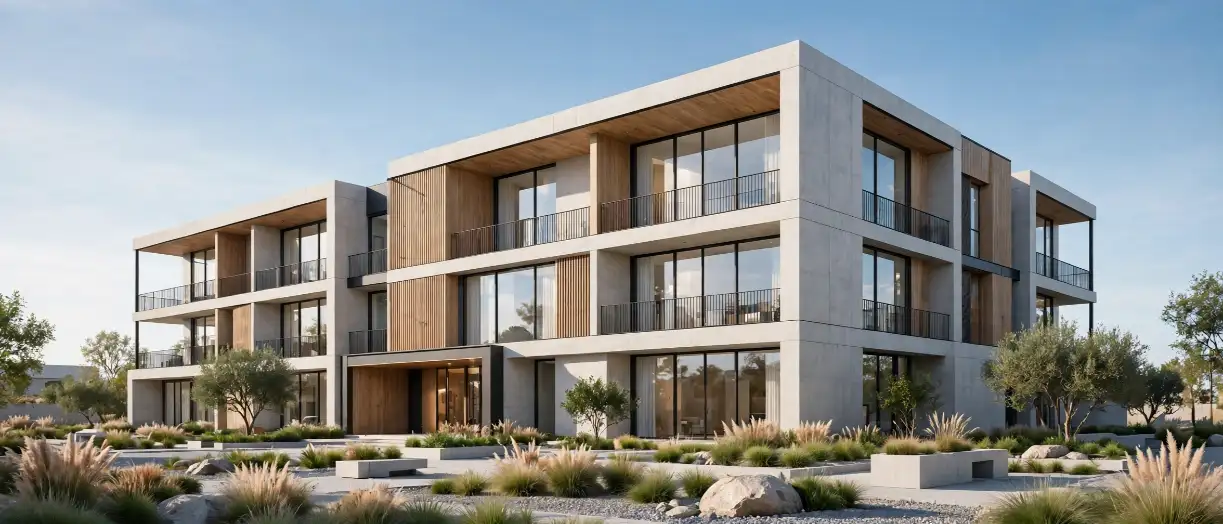
Based on how AI tools are actually being deployed across active rendering projects, the ROI tends to concentrate in a few specific places rather than across the board:
- Faster revision cycles. Because lighting and material changes can be previewed in near real time, clients spend less time waiting between review rounds, which matters most during the compressed timelines described in our developer 3D exterior rendering stages guide.
- More marketing variations from one project. A single modeling and lighting setup can now generate dusk, daytime, seasonal, and weather variations without a full re-render, giving pre-sales and marketing teams more assets for the same budget, as outlined in our piece on 3D renderings in pre-sales campaigns.
- Better cost predictability. Because AI-assisted studios spend less time on render-farm queues, project pricing has become more predictable; for a full breakdown of what drives cost up or down, see our 3D exterior rendering cost guide.
- Higher output resolution for large-format use. AI upscaling makes it realistic to produce billboard- and sales-center-quality output from the same base render used for a website or brochure.
However, none of these gains show up automatically. They depend entirely on the studio’s pipeline, hardware, and the skill of the artists directing the AI tools, not the AI tools alone.
A Closer Look: Single-Family vs. Multifamily ROI
The ROI picture also shifts depending on project type. Single-family home builders typically commission a smaller set of hero images per model type, so the biggest AI-driven win tends to be faster revision cycles and quicker mood variations for seasonal marketing pushes; our guide on 3D exterior rendering for single-family home builders covers this use case in more depth. Multifamily and mixed-use developers, on the other hand, often need dozens of unit-type and elevation variations across a single site, which is where AI-assisted texture generation and entourage placement save the most production hours, since those tasks would otherwise scale linearly with each additional building or elevation.
Common Mistakes When Adopting AI in Rendering Workflows

Developers and even some studios make avoidable mistakes when bringing AI tools into an exterior rendering pipeline. Watch for these:
- Treating AI as a replacement for accurate modeling. No amount of AI polish fixes a 3D model built from incomplete or outdated architectural drawings.
- Skipping human quality control on AI-denoised output. AI denoising occasionally introduces subtle artifacts around fine details like railings, foliage, or glass reflections; these need a trained eye to catch before delivery.
- Over-relying on generative textures without material accuracy checks. A generative brick texture might look photorealistic but not match the actual specified material, which becomes a problem if the rendering is used for buyer expectations or lender documentation.
- Assuming AI speed means lower cost without checking quality. Faster turnaround does not automatically mean a lower-quality studio; conversely, unusually cheap “AI rendering” services often cut corners on model accuracy.
- Ignoring geographic and seasonal accuracy. Automated sky engines still need to be configured correctly for the actual site coordinates and target season, or the lighting will look generic rather than site-specific.
- Forgetting to brief the studio on brand and marketing context. AI tools can generate visually impressive variations quickly, but without clear direction on brand color palettes, target buyer demographics, or campaign timing, studios end up producing extra variations that never get used, which wastes both time and budget.
- Not accounting for planning and lender submission standards. Some jurisdictions and lenders have specific expectations for how exterior renderings represent scale, context, and surrounding conditions; an AI-accelerated workflow still needs to meet those same standards, not a lower bar.
Expert Tips for Integrating AI Into Your Rendering Pipeline

- Ask your rendering partner exactly where AI is used. A transparent studio should be able to explain which stages (denoising, upscaling, texture generation) use AI versus which stages remain fully manual.
- Request a comparison frame. Before committing to a large multi-building package, ask for one AI-enhanced frame and one traditionally finished frame from the same model to compare quality side by side.
- Prioritize studios that pair AI speed with senior art direction. The fastest render is not useful if it needs three rounds of manual correction afterward.
- Standardize your source files early. AI-assisted pipelines still perform best when working from clean, complete, to-scale architectural files, so investing time in file preparation up front pays off downstream.
- Use AI-generated variations strategically. Seasonal and time-of-day variations are inexpensive to produce once a base render exists, so plan your marketing calendar to take advantage of that flexibility rather than commissioning entirely new renders for each campaign phase.
- Build in a dedicated QA pass for AI-touched frames. Because AI denoising and texture generation can occasionally introduce subtle artifacts, budget a specific review step focused only on catching those issues before final delivery.
- Keep a feedback loop with your studio across projects. Studios that use AI tools consistently improve their prompts, presets, and quality-control checklists over time; developers who work with the same partner across multiple projects tend to see faster turnaround on each subsequent job as that feedback loop matures.
Step-by-Step: How to Evaluate an AI-Powered Rendering Partner
- Review their portfolio for consistency, not just polish. Look across multiple projects, not a single hero image, to judge whether quality holds up at scale.
- Ask which rendering engines and AI tools they use. For context on the engines commonly used across the industry, see our comparison of rendering engines for exterior visualization.
- Request their typical turnaround time with and without AI-assisted steps. A credible studio can quantify the difference.
- Confirm their revision policy. Faster previews should translate into more included revision rounds, not fewer.
- Ask about file accuracy sourcing. Confirm how they translate architectural drawings into the base 3D model before any AI-assisted step begins.
- Check for real client references in your project type, whether that is single-family, multifamily, or mixed-use.
- Ask how they handle scope changes mid-project. Faster previews can also mean faster scope creep; confirm how revision requests and design changes are priced once production has started.
- Clarify ownership and usage rights for AI-generated variations. Since a single base render can now generate multiple mood and seasonal variations quickly, make sure your contract clearly covers how many of those variations you own outright versus what counts as a billable add-on.
The Future of AI in Architectural Visualization
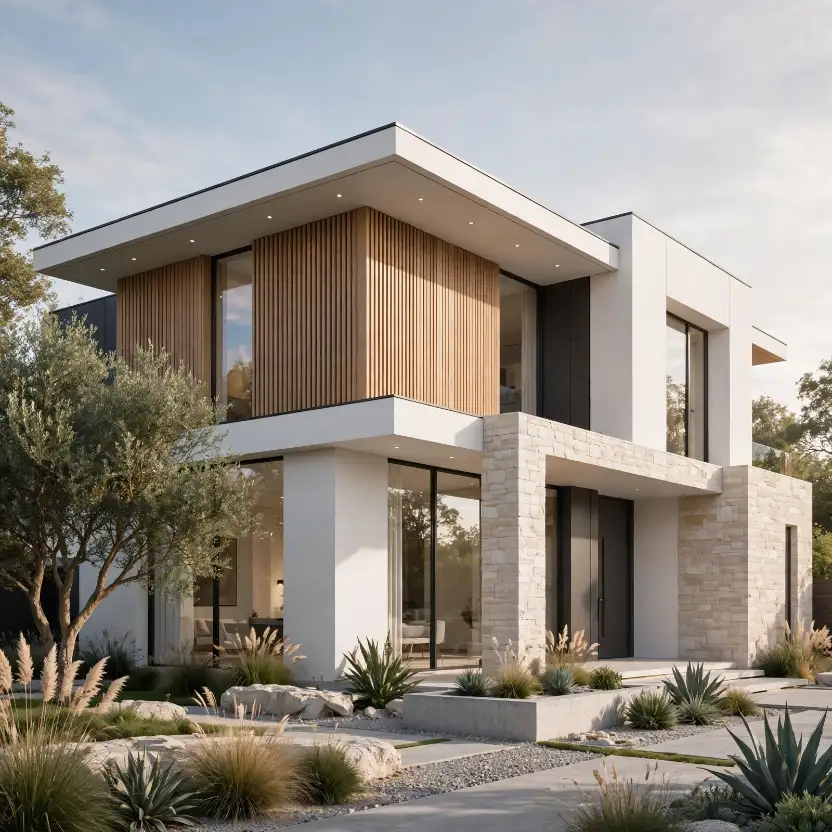
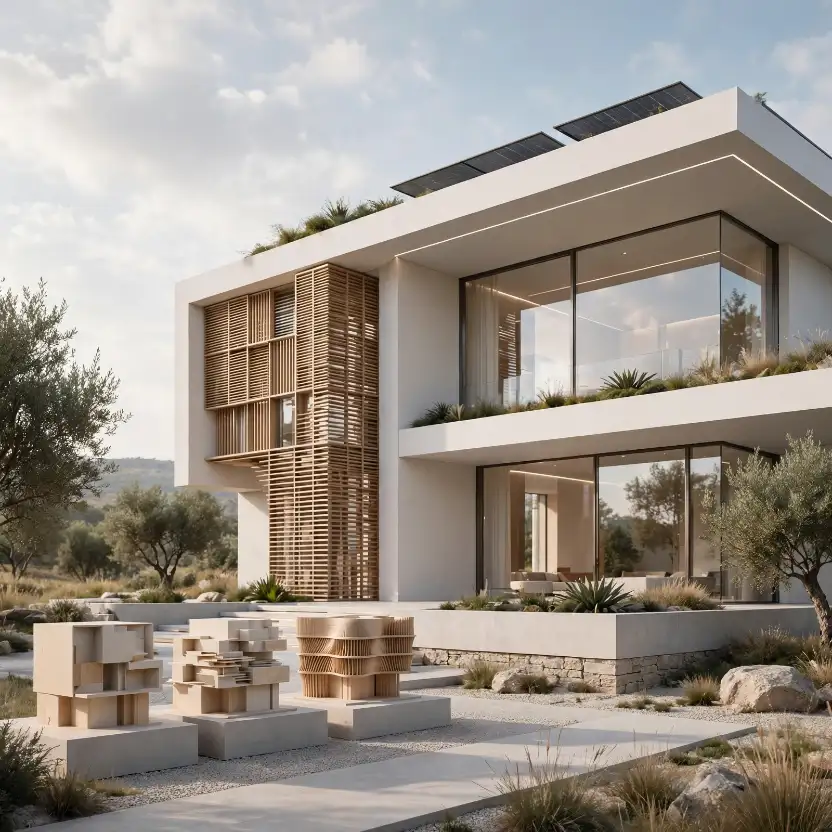
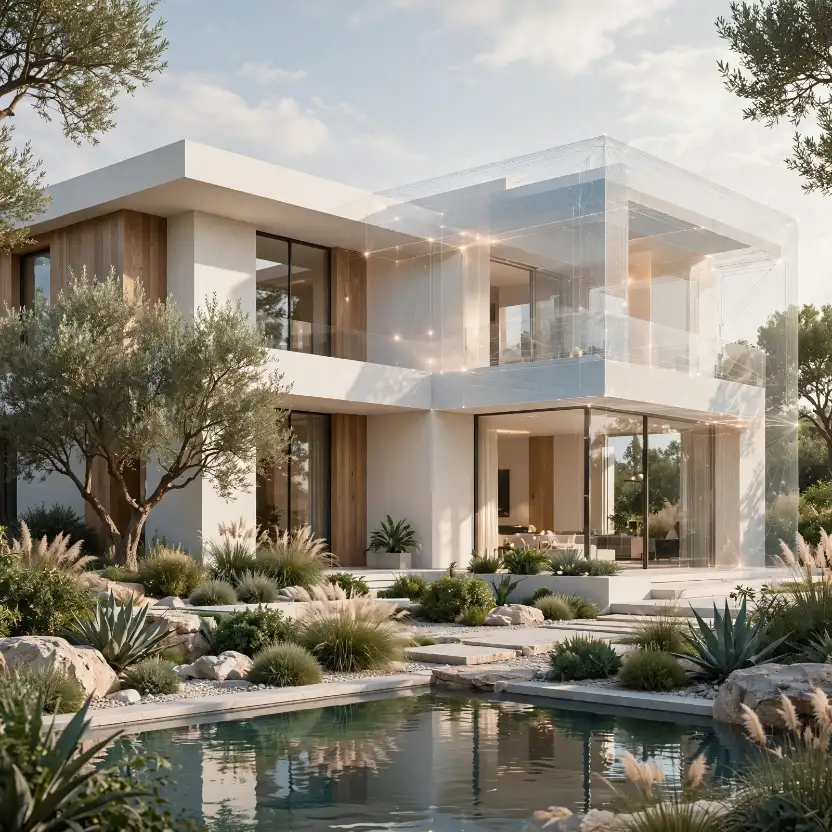
Looking ahead, the direction of travel is fairly clear. Real-time, AI-denoised rendering is steadily becoming the baseline expectation rather than a premium add-on, similar to how ray tracing itself moved from a novelty to an industry standard over the past decade. Generative design tools are also creeping earlier into the process, giving architects rapid massing and facade options before a project ever reaches the rendering stage.
At the same time, human art direction, composition judgment, and brand-consistent storytelling remain the parts of the process that AI has not meaningfully replaced. McKinsey’s research on generative AI in real estate estimates the technology could generate substantial industry-wide value, particularly in design iteration and marketing content production, while noting that organizations still need the right talent and workflows in place to capture that value rather than assuming the technology delivers it automatically. (McKinsey & Company)
Meanwhile, major AEC software vendors have continued rolling AI features directly into mainstream design tools rather than treating them as separate products, a trend that major architecture and engineering firms have already begun adopting across early-stage planning and environmental analysis workflows. (Building Design + Construction)
There is also a growing expectation among buyers and investors themselves that marketing visuals will look convincingly real, which puts additional pressure on studios to balance AI-driven speed with disciplined quality control rather than shipping the fastest possible output. As real-time, AI-assisted rendering becomes the norm across the industry, the competitive advantage for developers shifts away from simply having renderings at all and toward having renderings produced by a team that understands both the technology and the architectural details that make a visual trustworthy.
For developers, the practical takeaway is this: the studios worth hiring in this new landscape are the ones combining AI speed with the same rigorous 3D exterior rendering workflow and architectural accuracy that quality visualization has always required, not the ones treating AI as a shortcut around craftsmanship. For a broader look at how these renderings get used across a project’s lifecycle, our partner resource on how architects and developers use 3D exterior renderings is a useful next read.
Frequently Asked Questions About AI 3D Exterior Rendering
Is AI 3D exterior rendering as accurate as traditional rendering?
Yes, when done correctly. AI tools accelerate specific stages like denoising, upscaling, and texture generation, but the underlying 3D model is still built from accurate architectural drawings. Accuracy depends on the model, not on whether AI touched the render.
How much faster is AI-assisted rendering compared to traditional rendering?
Turnaround improvements vary by scene complexity, but many studios report meaningful reductions in render-pass time thanks to AI denoising and real-time preview tools, particularly for revision rounds rather than the very first draft.
Does AI 3D exterior rendering cost less than traditional rendering?
Not necessarily. Pricing depends more on project scope, unit count, and revision needs than on whether AI tools are used internally. See our cost and pricing guide for a full breakdown of what actually drives cost.
Can AI generate a full exterior rendering from just a text prompt?
Text-to-image tools can produce visually convincing images, but they do not reflect a building’s actual dimensions, unit layout, or approved design, which makes them unsuitable for pre-sales, lender documentation, or planning submissions.
Will AI eventually replace 3D rendering artists?
Unlikely in the near term. AI is replacing repetitive technical steps, not the composition, art direction, and brand judgment that experienced visualization artists bring to a project.
What should I look for in an AI-powered rendering company?
Look for transparency about which stages use AI, a portfolio with consistent quality across projects, clear turnaround estimates, and a workflow still grounded in accurate architectural modeling.
Conclusion
AI 3D exterior rendering is not a marketing gimmick and it is not a full replacement for skilled visualization artists either; it is a genuine shift in how the middle stages of the rendering pipeline get executed, from denoising and upscaling to material generation and lighting simulation. The developers and architecture firms seeing real ROI from it are the ones partnering with studios that use AI to compress timelines without cutting corners on architectural accuracy or art direction.
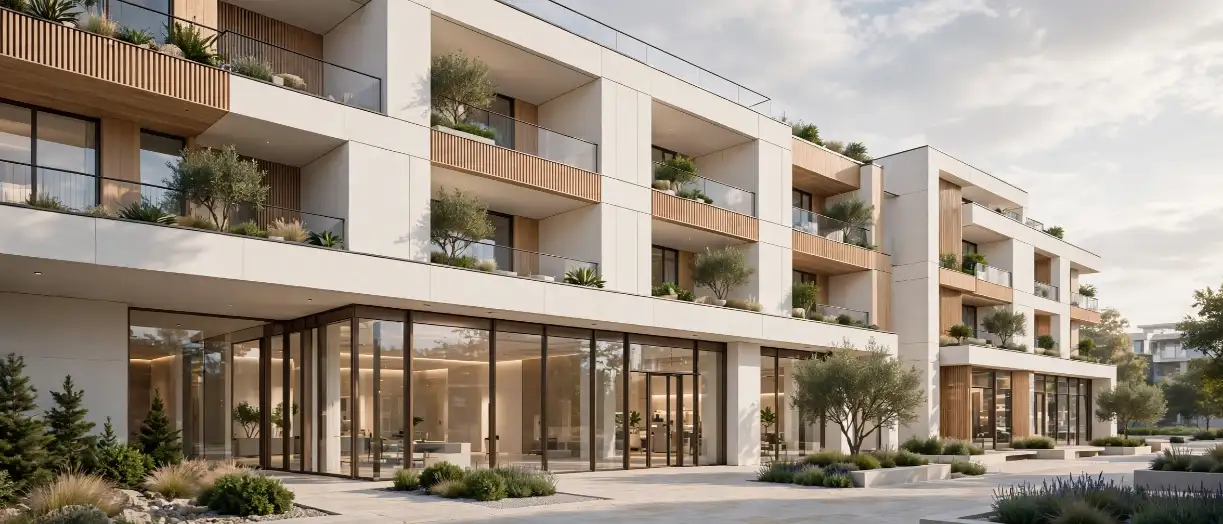
If you are planning a residential, commercial, or mixed-use project and want renderings that combine AI-accelerated speed with the accuracy your buyers, lenders, and planning boards expect, get a free rendering quote from The 3D Exterior Rendering Company and see how our team applies these tools to your next launch.
2 thoughts on “How AI 3D Exterior Rendering is Cutting Turnaround Time and Boosting Realism for Developers.”