
The best rendering engines for exterior visualization in 2026 are V-Ray, Corona Renderer, Lumion, Enscape, Twinmotion, and D5 Render – each optimized for different combinations of photorealism, speed, and real-time collaboration. Studios choosing between offline biased renderers and real-time GPU engines must weigh render fidelity against production turnaround, since no single engine dominates every stage of the exterior visualization pipeline. This comparison breaks down the technical differences, ideal use cases, and production trade-offs so architects, developers, and marketing teams can select the right tool with confidence.
Choosing the right renderer is rarely a one-time decision; it shapes budgets, timelines, and even how a design studio pitches unbuilt projects to clients. Studios that specialize in premium 3D exterior rendering services often run two or three engines in parallel, matching each tool to a specific deliverable rather than forcing one renderer to do everything. That said, understanding the underlying technology – not just the marketing claims – is what actually separates a rushed render from an image that closes a sale.
What Makes a Rendering Engine “Best” for Exterior Visualization?
A rendering engine earns the label “best” for exterior visualization when it balances four factors: photorealistic material response, efficient handling of large outdoor environments, hardware compatibility, and integration with common modeling software like SketchUp, Revit, or 3ds Max. Consequently, the “best” choice depends heavily on context.
Quick answer: there is no universal winner. Instead, the best rendering engines for exterior visualization split into two categories:
- Offline (biased/unbiased) renderers – V-Ray, Corona Renderer, and Chaos Vantage’s offline counterparts prioritize physical accuracy over speed.
- Real-time (GPU-based) engines – Lumion, Enscape, Twinmotion, and D5 Render prioritize interactivity and rapid iteration.
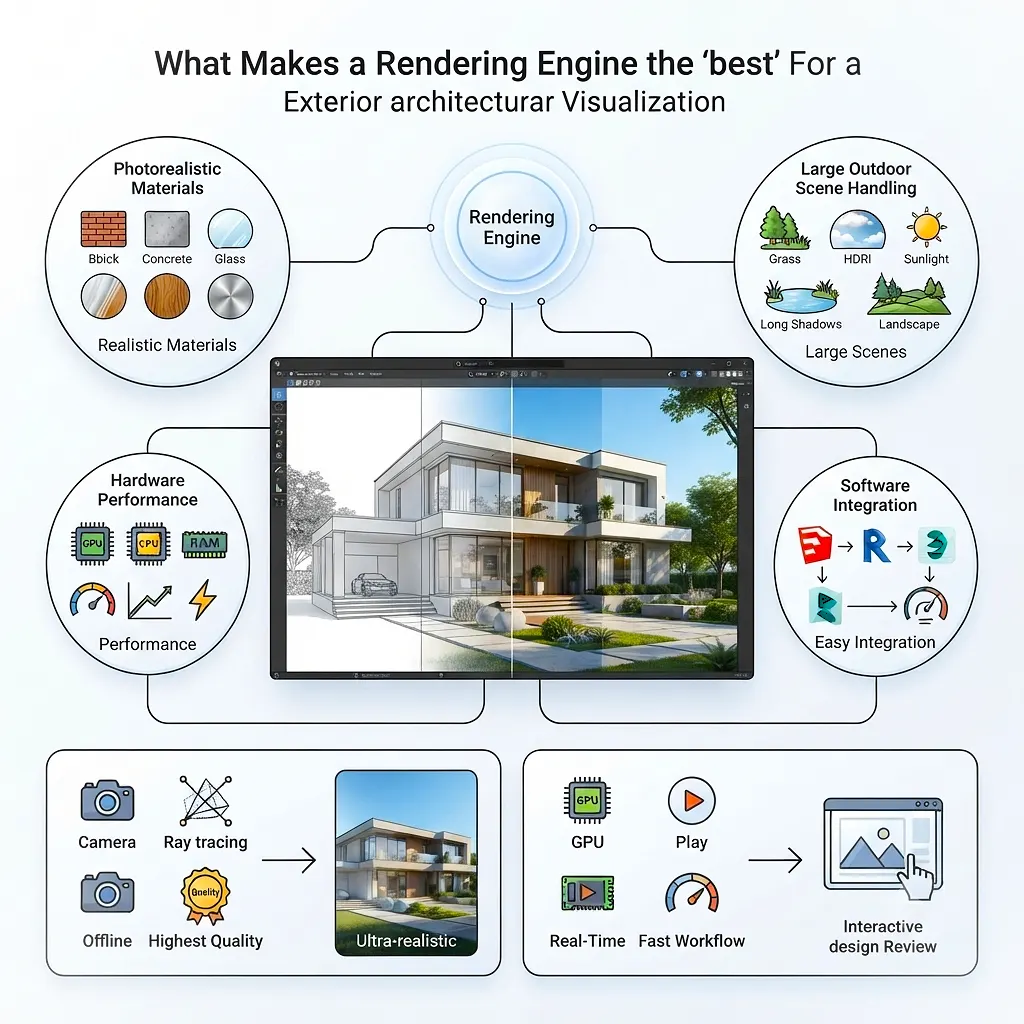
Understanding this split is the foundation for every decision that follows.
Physically-Based vs Real-Time Rendering: Core Technical Differences
Exterior visualization software generally falls into one of two rendering philosophies, and the distinction matters more than most marketing pages admit.
Physically-Based (Offline) Rendering
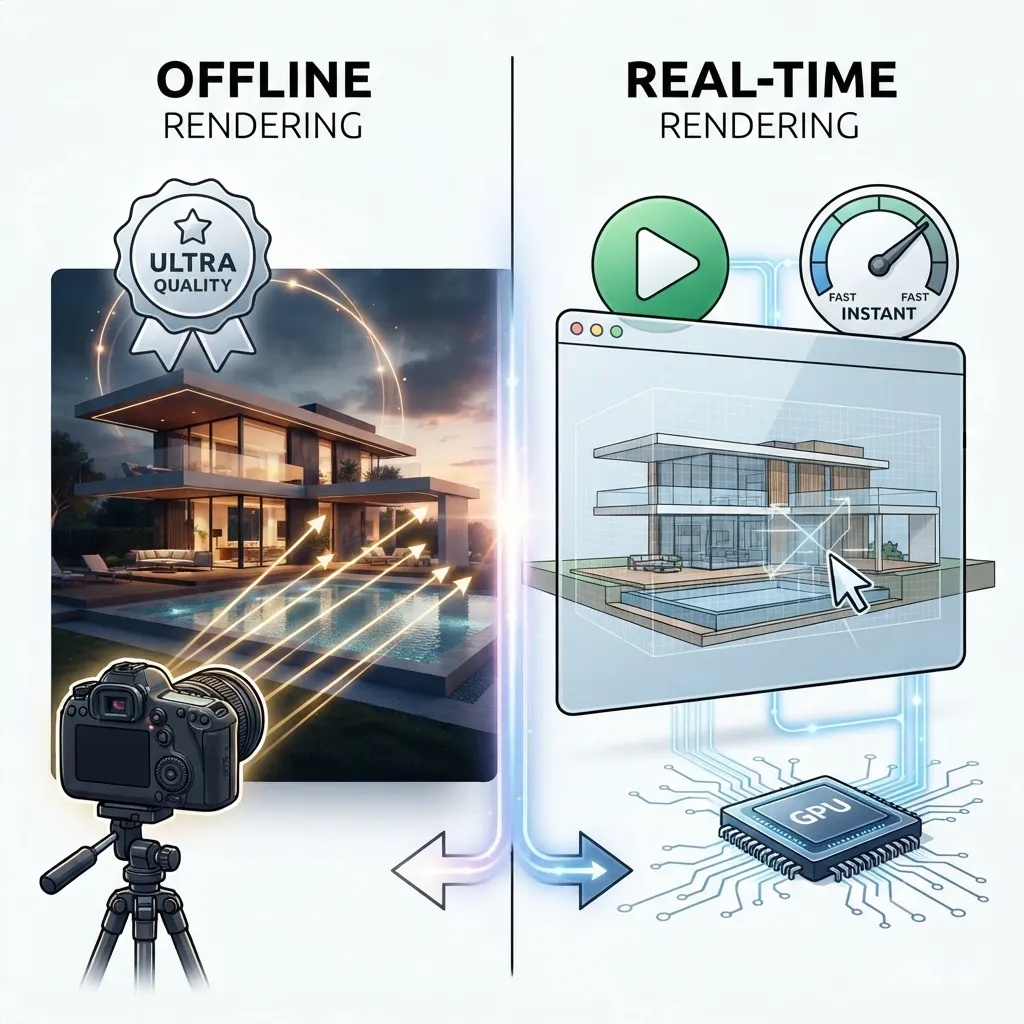
Physically-based renderers simulate how light actually behaves – bouncing, refracting, and scattering through materials – using algorithms like path tracing or biased GI solutions. Because of this simulation depth, they typically produce the most accurate results for glass facades, water features, and complex outdoor lighting scenarios such as golden-hour sun angles. However, this accuracy comes at a cost: render times can range from minutes to hours per frame, depending on scene complexity and sampling settings.
Real-Time (GPU) Rendering
Real-time engines instead lean on rasterization techniques combined with modern ray-tracing hardware (NVIDIA RTX cores) to approximate photorealism at interactive frame rates. As a result, designers can walk through a scene, adjust materials, and reposition the sun in real time – a workflow advantage that has made real-time engines indispensable for client presentations and virtual walkthroughs. The trade-off, though, is that ultra-fine detail in reflections, caustics, and subsurface scattering still generally favors offline renderers.
Top Rendering Engines for Exterior Visualization Compared
Below is a snapshot comparison of the six engines most commonly used in professional exterior architectural visualization studios.
| Rendering Engine | Type | Primary Use Case | Hardware | Learning Curve | Typical Render Time |
|---|---|---|---|---|---|
| V-Ray | Offline (biased) | Photorealistic marketing stills, hero shots | CPU/GPU hybrid | Moderate-High | 10-60+ minutes |
| Corona Renderer | Offline (unbiased-leaning) | Natural light accuracy, material realism | CPU-focused | Moderate | 15-45 minutes |
| Lumion | Real-time | Fast concept renders, landscaping-heavy scenes | GPU | Low | Seconds |
| Enscape | Real-time | Live client walkthroughs, Revit/SketchUp integration | GPU | Low | Seconds |
| Twinmotion | Real-time | Urban context, large-scale masterplans | GPU | Low-Moderate | Seconds |
| D5 Render | Real-time (RTX-based) | High-fidelity real-time stills, fast iteration | GPU (RTX) | Low | Seconds-Minutes |
This table illustrates the central trade-off: engines on the “real-time” side sacrifice a fraction of ultimate realism for dramatically faster iteration, while offline engines like V-Ray and Corona remain the standard when a single flagship image needs to withstand close inspection – think billboard-scale marketing collateral or investor pitch decks.
Deep Dive: The Six Leading Engines
V-Ray: The Industry Benchmark
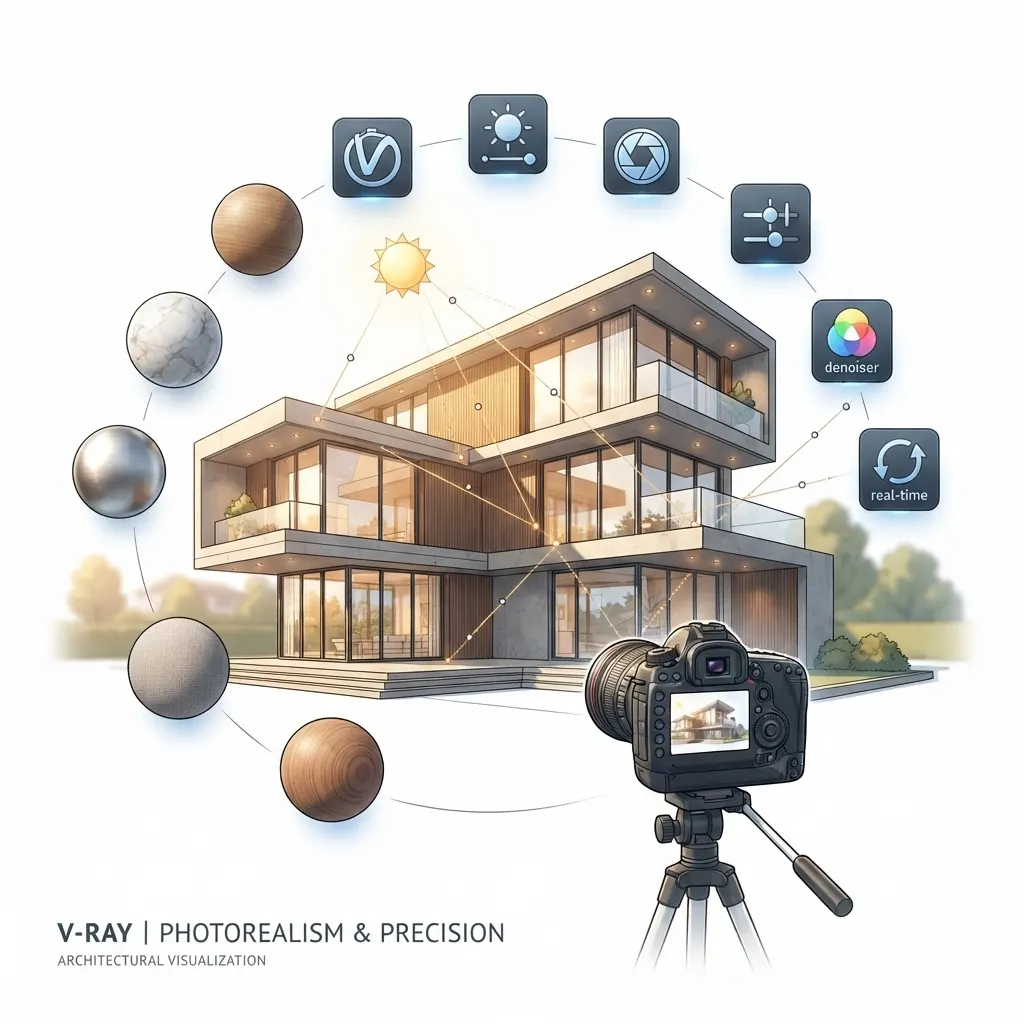
V-Ray, developed by Chaos, has long been considered the default choice for exterior renders destined for print, billboards, or high-resolution marketing campaigns. Its strength lies in precise control over materials, lighting, and camera settings, which is why many real estate pre-sales campaigns still rely on V-Ray for the final hero image, even when real-time engines are used earlier in the design process. According to Chaos’s own documentation, V-Ray supports both CPU and GPU rendering modes, giving studios flexibility depending on available hardware.
Corona Renderer: Natural Light Specialist
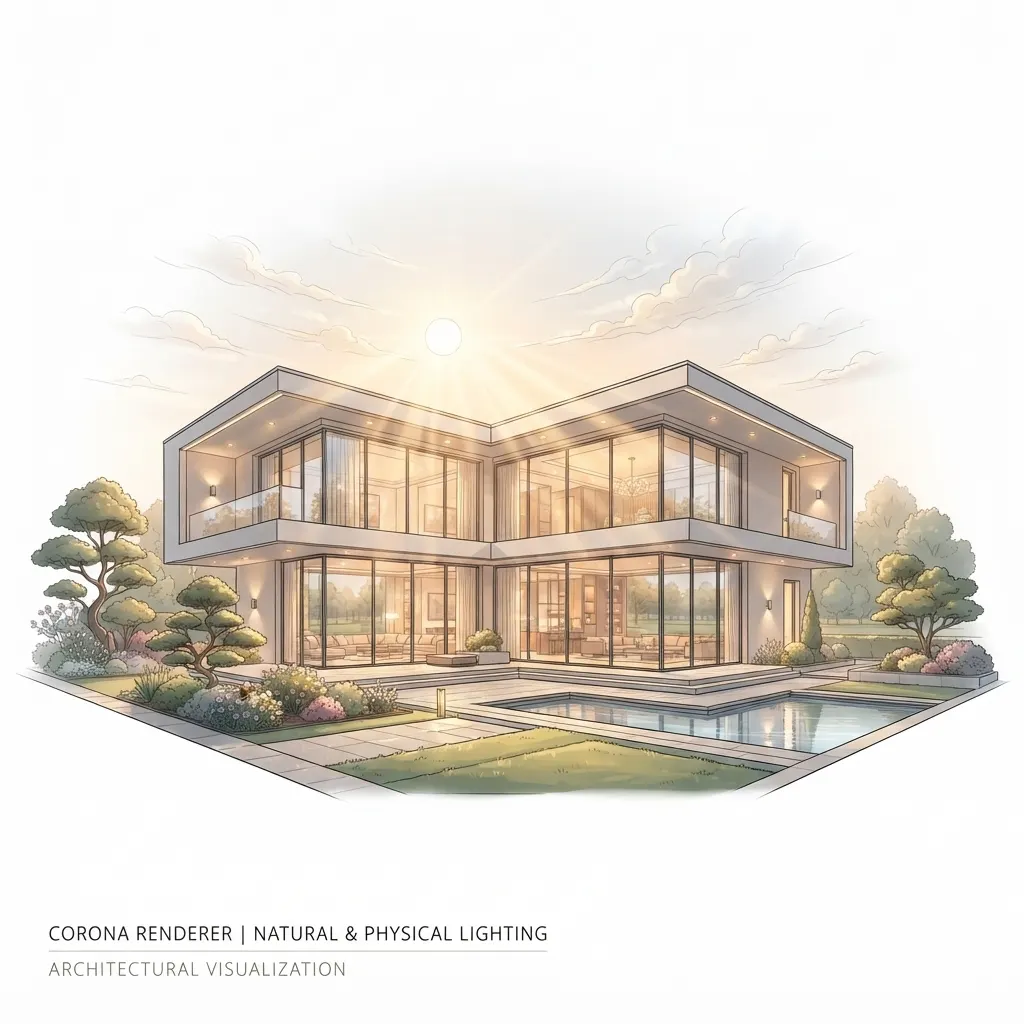
Corona Renderer, also part of the Chaos ecosystem, is frequently praised for how naturally it handles outdoor lighting without extensive manual tuning. Because its default settings already approximate physically accurate light behavior, many visualization artists find Corona faster to set up for exterior scenes than V-Ray, even though final render times can be comparable. This makes it a popular choice for single-family home builders who need consistent, believable daylight across many house models without re-lighting each scene from scratch.
Lumion: Speed for Landscaping and Context
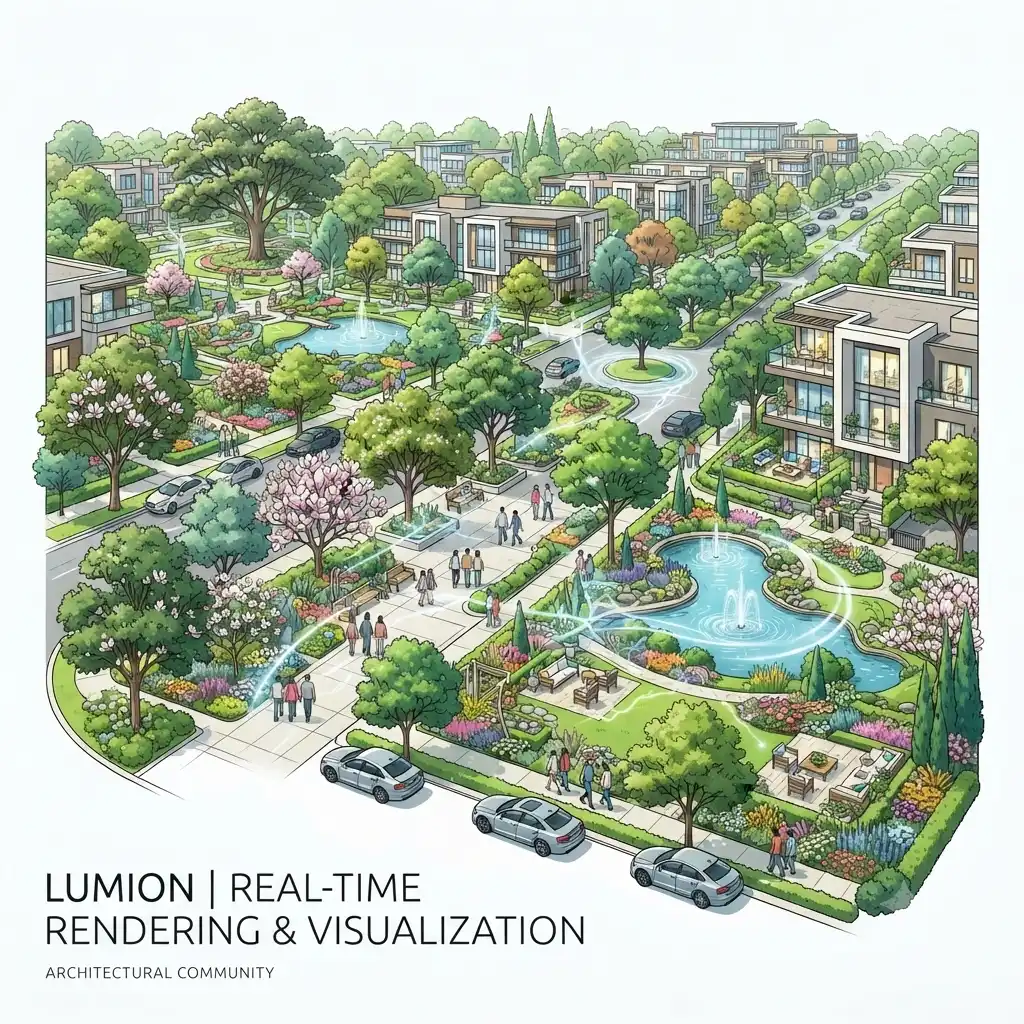
Lumion built its reputation on speed and an extensive built-in library of trees, people, and environmental effects, making it especially efficient for exterior scenes with heavy landscaping. Studios producing renders for purpose-built rental communities often lean on Lumion during early design iterations, since entire neighborhood contexts can be populated and rendered within minutes rather than hours.
Enscape: Seamless BIM Integration
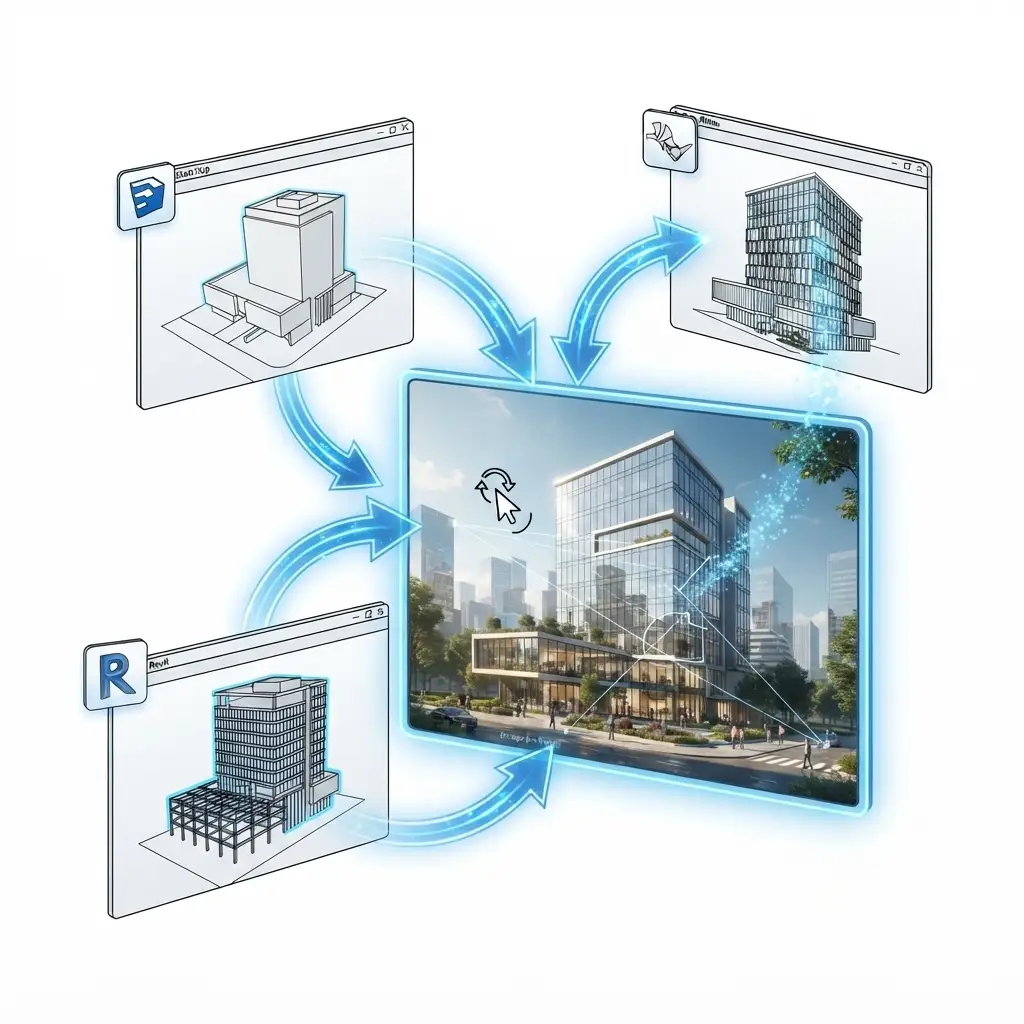
Enscape’s biggest advantage is its live-link integration with Revit, SketchUp, and Rhino, meaning any change made in the modeling software appears instantly in the rendered view. This tight feedback loop has made Enscape a favorite among architecture firms that need to show clients real-time design changes during a meeting rather than waiting for a re-render.
Twinmotion: Built for Urban Scale
Twinmotion, owned by Epic Games and built on Unreal Engine technology, excels at handling large urban contexts and masterplan-scale visualization. Per Epic Games’ Twinmotion product page, the software is designed for architects, urban planners, and construction professionals who need to visualize entire districts rather than single buildings.
D5 Render: The RTX-Accelerated Challenger
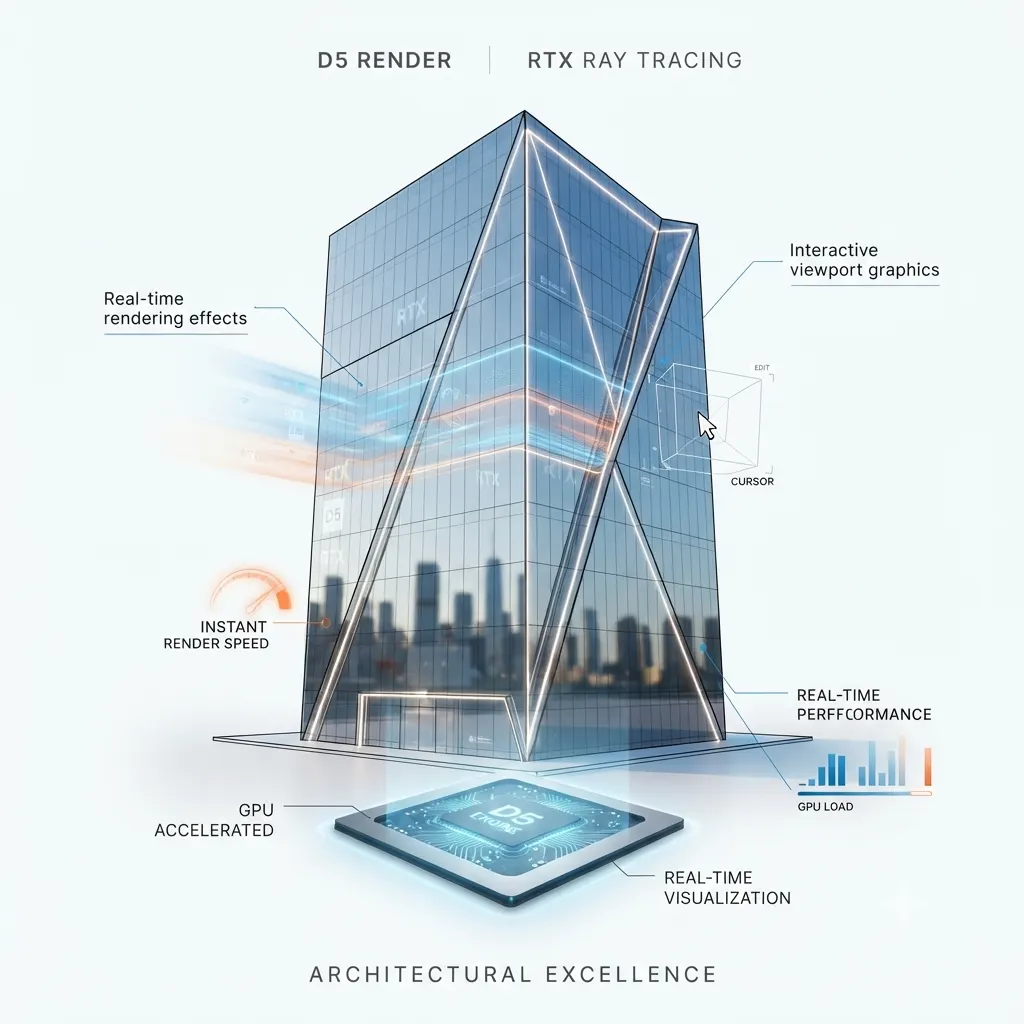
D5 Render has rapidly gained traction because it leverages NVIDIA’s RTX hardware for real-time ray tracing, closing much of the visual gap between real-time and offline engines. Studios that need both speed and near-offline-quality reflections on glass facades increasingly test D5 Render as a middle-ground solution.
Hardware Requirements: CPU vs GPU Rendering for Exterior Scenes
Hardware compatibility is often the deciding factor that narrows down the best rendering engines for exterior visualization long before image quality even enters the conversation. Traditional CPU-based rendering, the original mode for engines like V-Ray and Corona, relies on multi-core processors to calculate light bounces across every pixel. This approach scales well with additional CPU cores, but it also means a studio’s render times are directly tied to processor generation and core count rather than graphics card performance.
GPU rendering, on the other hand, shifts the computational load onto the graphics card, taking advantage of thousands of parallel cores designed for exactly this kind of workload. Since NVIDIA introduced dedicated RTX cores for real-time ray tracing, GPU rendering has closed much of the quality gap that once separated it from CPU-based methods. As a result, most modern engines – including V-Ray, Corona, and D5 Render – now offer GPU-accelerated modes alongside or instead of their original CPU pipelines.
For studios evaluating new hardware purchases, a few practical guidelines apply:
- CPU-heavy workflows benefit most from high core-count workstation processors (16+ cores) paired with ample RAM, particularly for scenes with dense vegetation or complex material networks.
- GPU-heavy workflows benefit most from investing in the newest RTX-series graphics cards with high VRAM capacity, since running out of video memory is the most common bottleneck in large exterior scenes.
- Hybrid rendering modes, offered by V-Ray and several other engines, allow CPU and GPU resources to be combined, which can meaningfully reduce render times without requiring a full hardware overhaul.
Because hardware costs represent a significant ongoing investment, many studios choose to outsource rendering entirely to specialized visualization firms rather than maintaining an in-house render farm – particularly for projects with irregular or seasonal demand.
Cloud Rendering and Render Farms: Scaling Beyond a Single Workstation
Even with powerful local hardware, exterior visualization projects involving multiple camera angles, animation sequences, or tight deadlines frequently exceed what a single workstation can deliver in a reasonable timeframe. This is where cloud rendering and render farm services enter the workflow.
Cloud rendering platforms distribute a scene’s render load across dozens or hundreds of remote machines simultaneously, cutting total render time from hours down to minutes for complex scenes. Both V-Ray and Corona offer official cloud rendering integrations, allowing artists to submit a scene directly from their modeling software without manually configuring remote servers. This is particularly valuable for architectural visualization firms working on tight pre-sales campaign deadlines, where a full set of marketing renders may need to be delivered within 24-48 hours.
However, cloud rendering introduces its own considerations:
- Cost scales with usage, so studios need to budget render farm credits alongside software licensing.
- Scene optimization still matters, since poorly optimized geometry or textures will slow down cloud renders just as much as local ones.
- Data security and file transfer become relevant factors, particularly for confidential pre-launch development projects.
For most small to mid-sized studios, a hybrid approach – local hardware for iteration and testing, cloud rendering for final high-resolution output – offers the best balance of cost and turnaround speed.
Plugin Ecosystems and Third-Party Asset Libraries
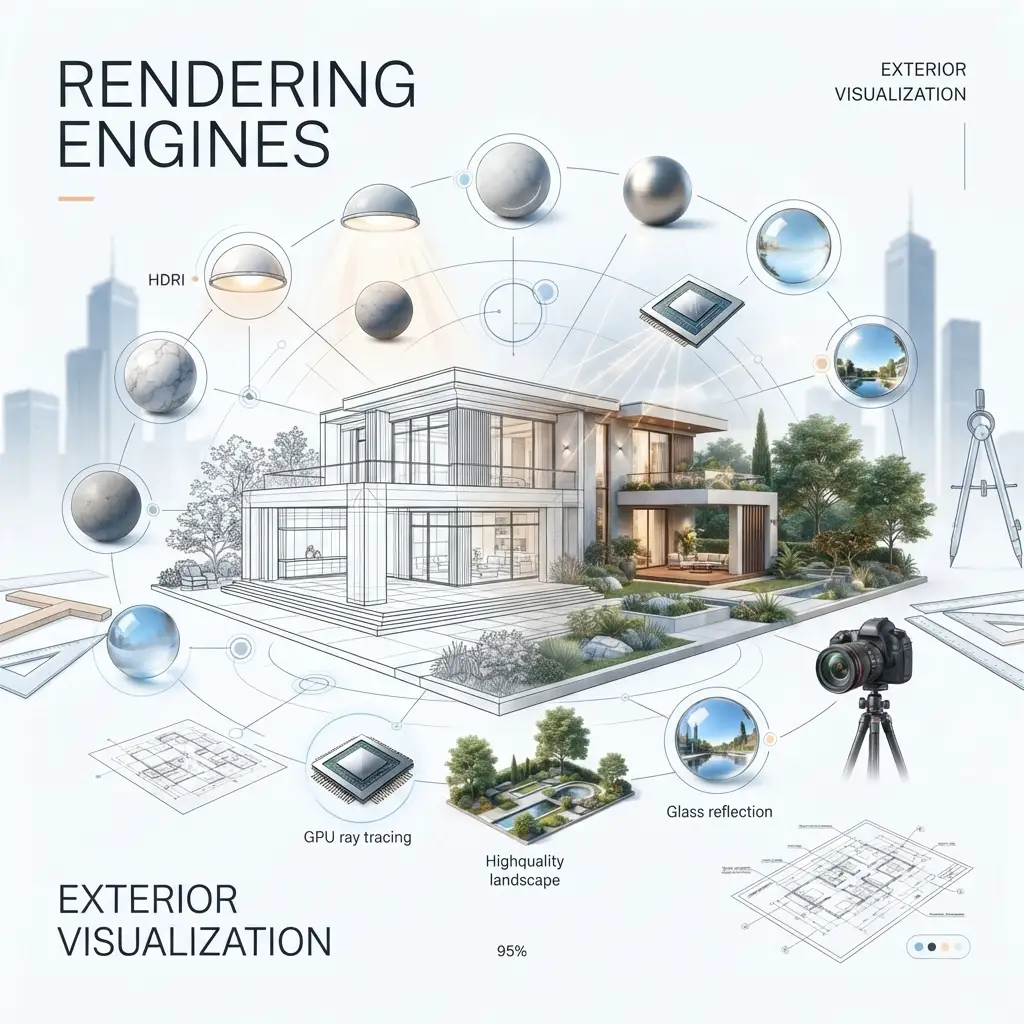
Beyond the core rendering engine itself, the surrounding plugin and asset ecosystem significantly influences production efficiency. V-Ray and Corona both benefit from mature third-party marketplaces offering pre-built vegetation, HDRI skies, PBR material libraries, and scattering tools that dramatically reduce the manual effort needed to populate a realistic exterior scene.
Real-time engines have followed a similar trajectory. Lumion’s built-in content library remains one of its strongest selling points, while Twinmotion – benefiting from its Unreal Engine foundation – has increasingly integrated with the Quixel Megascans library, giving artists access to scanned, photorealistic real-world assets at no additional cost.
When evaluating rendering engines, studios should factor in not just the renderer’s raw capability, but also:
- Availability of high-quality vegetation and entourage assets suited to the target climate and region
- HDRI sky libraries that match the lighting conditions of the actual project site
- Material libraries that reduce the need to build PBR textures from scratch
- Community size, since a larger user base typically means faster troubleshooting and more available tutorials
Cost Considerations: Licensing, Subscriptions, and Total Cost of Ownership
Pricing structures vary considerably across the leading rendering engines, and licensing cost is rarely the full picture. V-Ray and Corona both operate on subscription or perpetual license models with tiered pricing based on rendering nodes, while Lumion, Enscape, Twinmotion, and D5 Render typically use straightforward annual or monthly subscription pricing per seat.
Beyond the license fee itself, studios should budget for:
- Render farm or cloud rendering credits, particularly for offline engines used on tight deadlines
- Plugin and asset library subscriptions, which can add meaningful recurring cost
- Training time, since switching to a new engine mid-project has a real productivity cost even when the software itself is inexpensive
- Hardware upgrades, especially GPU upgrades required to run real-time engines at their full visual fidelity
Because total cost of ownership varies so widely by studio size and project volume, many developers choose to work with an established visualization partner rather than building an in-house rendering pipeline from scratch, avoiding both the upfront software investment and the ongoing hardware maintenance burden.
Emerging Trends: AI Denoising and Real-Time Path Tracing
The gap between offline and real-time rendering continues to narrow, driven largely by two technological trends. AI-powered denoising, now standard in engines like V-Ray, Corona, and D5 Render, allows renders to reach a clean, noise-free result using far fewer samples than traditional path tracing required just a few years ago. This alone has cut typical render times significantly without any loss in perceived quality.
Simultaneously, real-time path tracing – enabled by successive generations of NVIDIA RTX hardware – is beginning to bring true physically-based lighting calculations into real-time engines, rather than the rasterization-based approximations that defined earlier real-time rendering. According to NVIDIA’s developer documentation, RTX-accelerated ray tracing is designed specifically to bring film-quality lighting effects to interactive applications, a capability that is increasingly relevant to architectural visualization as hardware continues to improve.
For studios and developers evaluating long-term software investment, this trend suggests that the distinction between “real-time” and “offline” rendering will continue to blur, though final marketing-grade stills are still likely to benefit from dedicated offline rendering passes for the foreseeable future.
How to Choose the Right Rendering Engine: A Step-by-Step Framework
- Define the deliverable first. A single marketing hero image calls for an offline renderer; an interactive client walkthrough calls for a real-time engine.
- Audit available hardware. CPU-heavy engines like classic V-Ray benefit from high core-count workstations, while GPU engines need modern RTX cards.
- Check software integration. If the studio models primarily in Revit, Enscape’s live-link may outweigh raw image quality gains from other engines.
- Estimate turnaround requirements. Tight deadlines with multiple revision rounds favor real-time engines; final polished stills favor offline rendering.
- Test before committing budget. Most engines offer trial licenses, so running the same scene through two candidates is the most reliable way to compare actual output quality.
Following this sequence generally prevents the most common and expensive mistake: purchasing a license based on portfolio images alone rather than actual project requirements.
Common Mistakes When Selecting a Rendering Engine
- Choosing based on marketing renders alone. Portfolio images are typically the best-case output after extensive post-production, not a representative sample of default results.
- Ignoring hardware bottlenecks. A studio running an older GPU will see disappointing results from any real-time engine, regardless of its reputation.
- Skipping post-production entirely. Even the most advanced renderer benefits from color grading and compositing; raw output rarely matches the final polished image seen in case studies.
- Underestimating the learning curve. Offline renderers like V-Ray and Corona reward experienced users disproportionately, so a rushed switch mid-project can slow delivery rather than speed it up.
- Overlooking full production cost. Software licensing is only one line item; studios should also factor in render farm access, plugin costs, and artist training when reviewing a 3D exterior rendering cost breakdown.
Expert Tips from Production Workflows
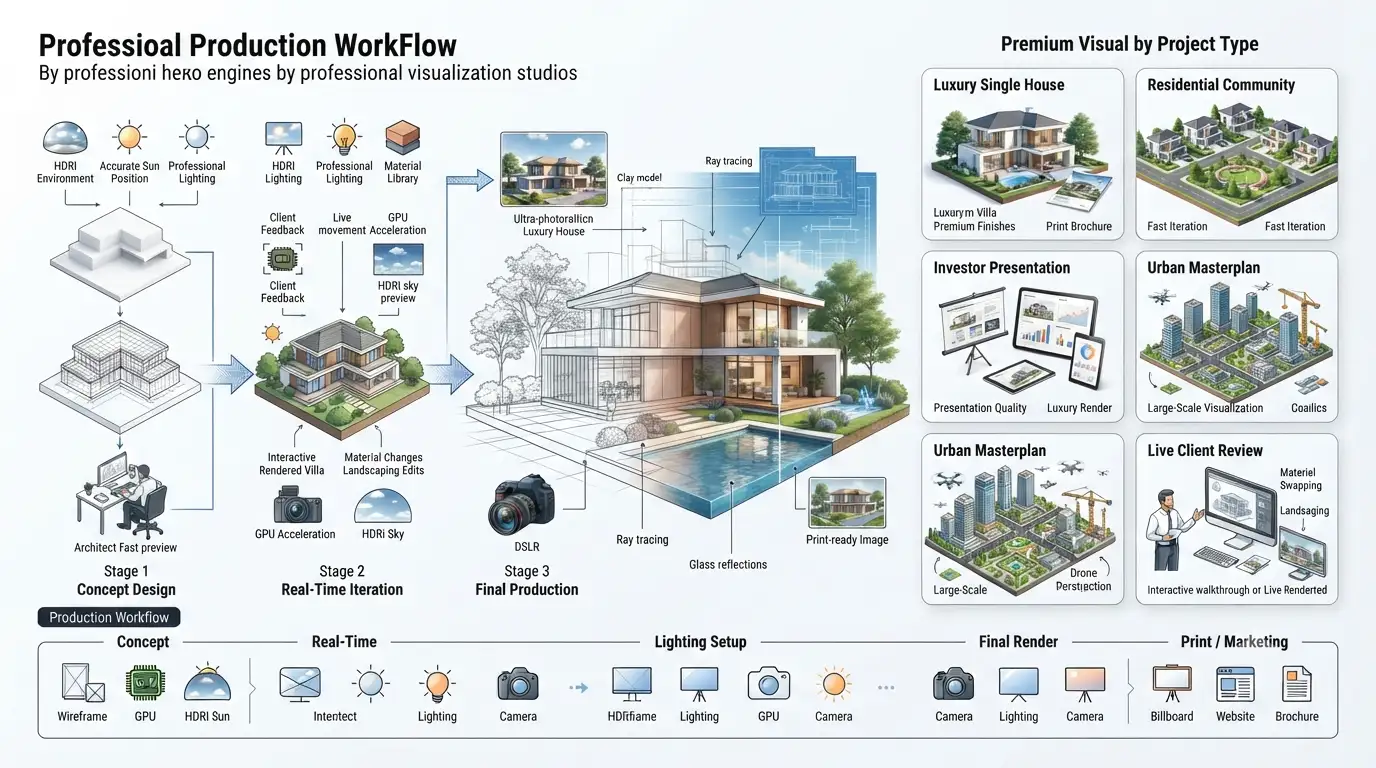
Experienced visualization artists rarely rely on a single engine for an entire project. Instead, many studios follow a hybrid approach: real-time engines like Enscape or Lumion handle early concept iterations and client feedback loops, while V-Ray or Corona is reserved for the final hero shots that appear in brochures, websites, or investor decks. This mirrors a broader 3D exterior rendering workflow in which speed and fidelity are treated as complementary stages rather than competing priorities.
Additionally, lighting setup – not raw engine horsepower – is often the single biggest factor separating an amateur render from a professional one. A well-placed HDRI environment map and accurate sun position can improve perceived realism more than switching to a “better” engine altogether.
Finally, render output resolution should always match the final use case. A social media render rarely needs the same resolution and sample count as a printed billboard, and matching effort to output prevents wasted render-farm hours.
Matching Rendering Engines to Project Types
Different exterior visualization projects place very different demands on a rendering engine, and studios that recognize this early tend to avoid costly rework later in production.
Single-Family Residential Marketing
For individual home builders producing marketing collateral for a specific listing, image quality typically outweighs speed, since the render often needs to withstand close inspection on both digital and print media. Offline engines like V-Ray or Corona are generally the better fit here, particularly for showcasing premium material finishes such as natural stone, wood cladding, and glazing.
Multi-Unit and Rental Community Visualization
Purpose-built rental communities and multi-family developments usually require multiple building variations, seasonal lighting conditions, and broader site context, all of which favor faster iteration. Real-time engines like Lumion or Twinmotion allow a studio to quickly generate consistent renders across dozens of unit types without re-lighting each scene individually, which significantly reduces production time on large portfolios.
Investor and Pre-Sales Pitch Decks
Pre-sales and investor-facing materials typically demand the highest achievable image fidelity, since these renders often substitute for a physical show unit and must convince stakeholders of a project’s viability before construction begins. In these cases, studios generally default to V-Ray or Corona for final deliverables, sometimes supplementing with D5 Render for supporting angles where turnaround time is tighter.
Urban Masterplans and Mixed-Use Developments
Large-scale masterplans covering multiple buildings, streetscapes, and public spaces benefit from engines built to handle scale efficiently. Twinmotion’s Unreal Engine foundation makes it particularly well suited to these projects, since it can manage large environments with dense urban context without the same performance penalties that heavier offline renderers would incur at that scale.
Live Design Reviews and Client Meetings
When architects need to walk a client through design options in real time – adjusting materials, massing, or landscaping on the spot – Enscape’s live-link integration with Revit and SketchUp makes it the practical choice, since there is no export or re-render step between the model and the rendered view.
Frequently Asked Questions
Which rendering engine is best for exterior visualization? There is no single best rendering engine for exterior visualization; V-Ray and Corona Renderer lead for photorealistic offline stills, while Enscape, Lumion, Twinmotion, and D5 Render lead for real-time walkthroughs and fast iteration.
Is Lumion or Enscape better for architectural visualization? Lumion generally offers a richer built-in asset library for landscaping and context, while Enscape offers tighter live-link integration with Revit and SketchUp, making the choice dependent on modeling software and scene type.
Do real-time rendering engines produce photorealistic results? Modern real-time engines like D5 Render, which leverage RTX ray-tracing hardware, produce results that are increasingly close to offline renderers, though offline engines like V-Ray and Corona still generally win on fine detail such as caustics and subsurface scattering.
How long does it take to render an exterior architectural visualization image? Offline renders using V-Ray or Corona typically take anywhere from 10 minutes to over an hour per still image, depending on resolution and sampling settings, while real-time engines produce comparable views in seconds.
Can I use multiple rendering engines on the same project? Yes – many professional studios use real-time engines for concept iteration and client walkthroughs, then switch to an offline engine like V-Ray or Corona for the final polished marketing images.
Is GPU rendering better than CPU rendering for exterior visualization? GPU rendering is generally faster and increasingly capable of near-offline quality thanks to RTX ray-tracing hardware, but CPU rendering still holds an edge in scenes with extremely dense geometry or where render farm nodes are already CPU-based, so the better option depends on existing infrastructure and scene complexity.
Do I need a render farm or cloud rendering for exterior architectural visualization? Not always – a single powerful workstation can comfortably handle most single-image exterior renders, but studios producing animations, multiple camera angles, or working under tight pre-sales deadlines typically benefit from cloud rendering or render farm access to meet delivery timelines.
Which software integrates best with Revit for exterior rendering? Enscape is widely regarded as offering the tightest live-link integration with Revit, allowing designers to see rendered views update instantly as the model changes, though Lumion and Twinmotion also offer Revit plugin support with slightly different workflow emphases.
Key Takeaways Before You Decide
Before committing to a rendering engine license, it helps to step back and confirm the fundamentals are covered:
- Photorealistic offline engines (V-Ray, Corona) remain the safest choice for final marketing stills that need to withstand close scrutiny.
- Real-time engines (Lumion, Enscape, Twinmotion, D5 Render) dramatically speed up iteration, client review cycles, and live design walkthroughs.
- Hardware – not just software – often determines actual output quality, so budget for GPU or CPU upgrades alongside any new license.
- Cloud rendering and render farms extend what a single workstation can achieve, particularly under tight pre-sales deadlines.
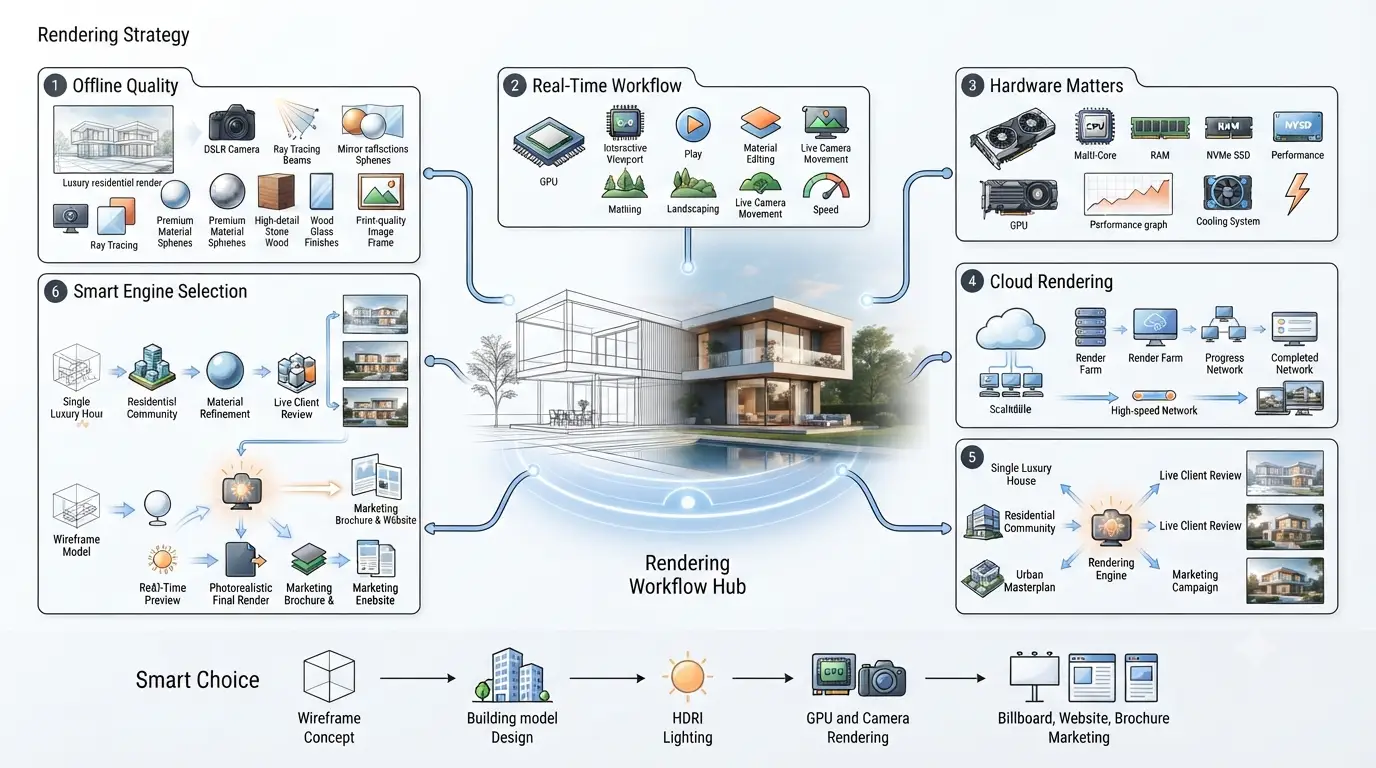
- Most professional studios blend engines across a single project rather than relying on just one, matching each tool to the stage of the design and marketing process it serves best.
Treating rendering engine selection as an ongoing workflow decision, rather than a one-time software purchase, tends to produce both better images and more predictable production timelines over the life of a project.
Conclusion
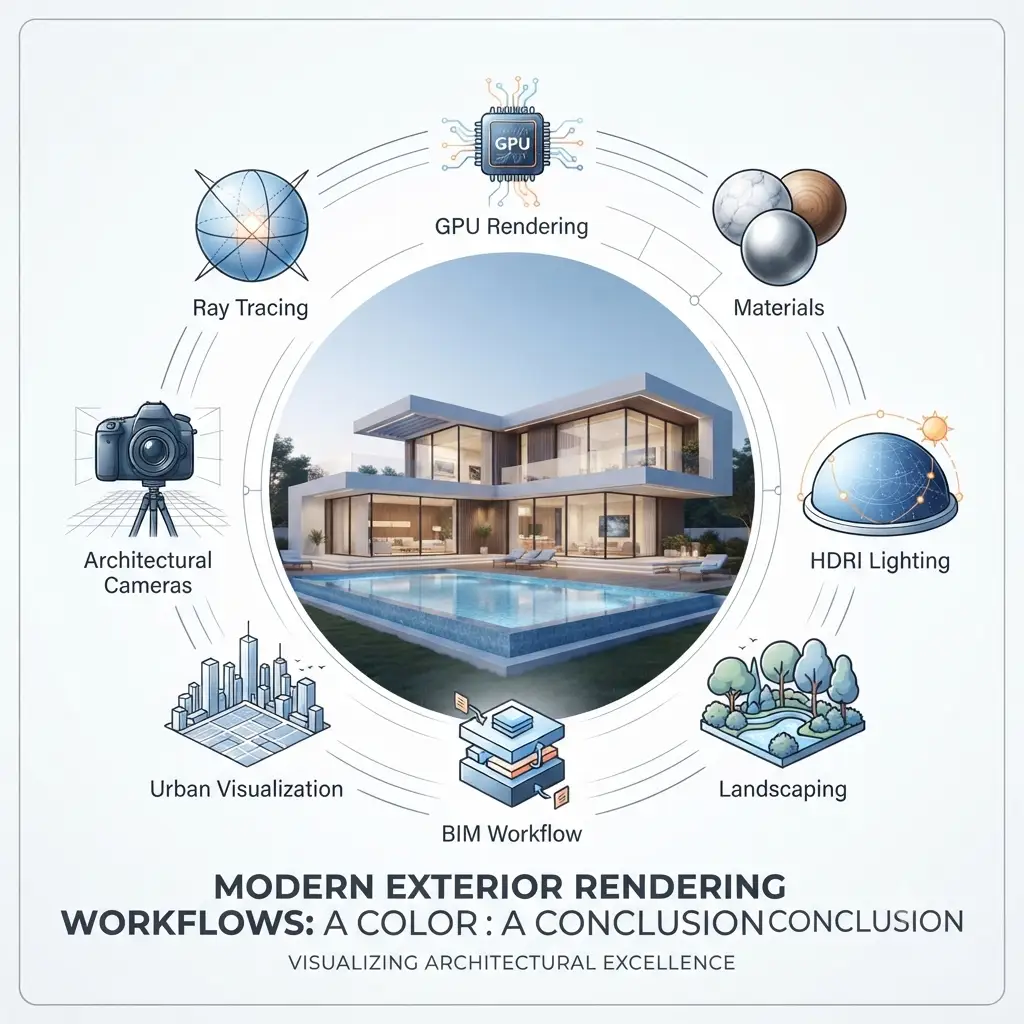
Selecting the best rendering engine for exterior visualization ultimately comes down to matching the tool to the deliverable rather than chasing a single “best” answer. Real-time engines like Lumion, Enscape, Twinmotion, and D5 Render accelerate the iterative design and client-approval process, while offline engines like V-Ray and Corona Renderer remain the standard for final, publication-ready hero images. For developers and architects who want expert guidance choosing – and executing – the right rendering pipeline for their next project, let an experienced production team handle the technical decisions from concept to final render.